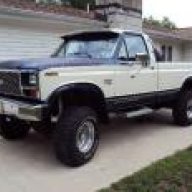
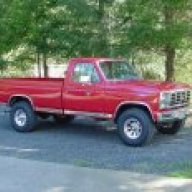
When you are in the box typing away,
1.you click on the paper clip icon, A "manage attachments" window will pop up.
2.Click on one of the "chose file" bubbles,That will take you into your hard drive menu, go to your pics.
3.Then click on the pic you want, then in the lower right corner click "chose"
If you want to post another pic, do step 2 and 3 again.
4. once you have the pics you want in the "manage attachment" box click "upload". It will take from 2 seconds up to 2 min to upload depending on pic size and quality.
5. Once the "uploading files- please wait" is gone you can close the window.
6. With your curser blinking where you want the pics , click on the paper clip again. The "manage attachment" box will pop up again. Click on the attachment.
That will put the pic in the post but it will look like this....[ATTACH32762/ATTACH] before you actually post
You must be registered for see images attach